Trusted since 2012 — Used by Teachers, Trainers & AV Professionals
Works on Windows & Mac. Sits directly on your slide or floats over your presentation. Works offline. No browser tabs. Just a reliable timer that runs when you need it.
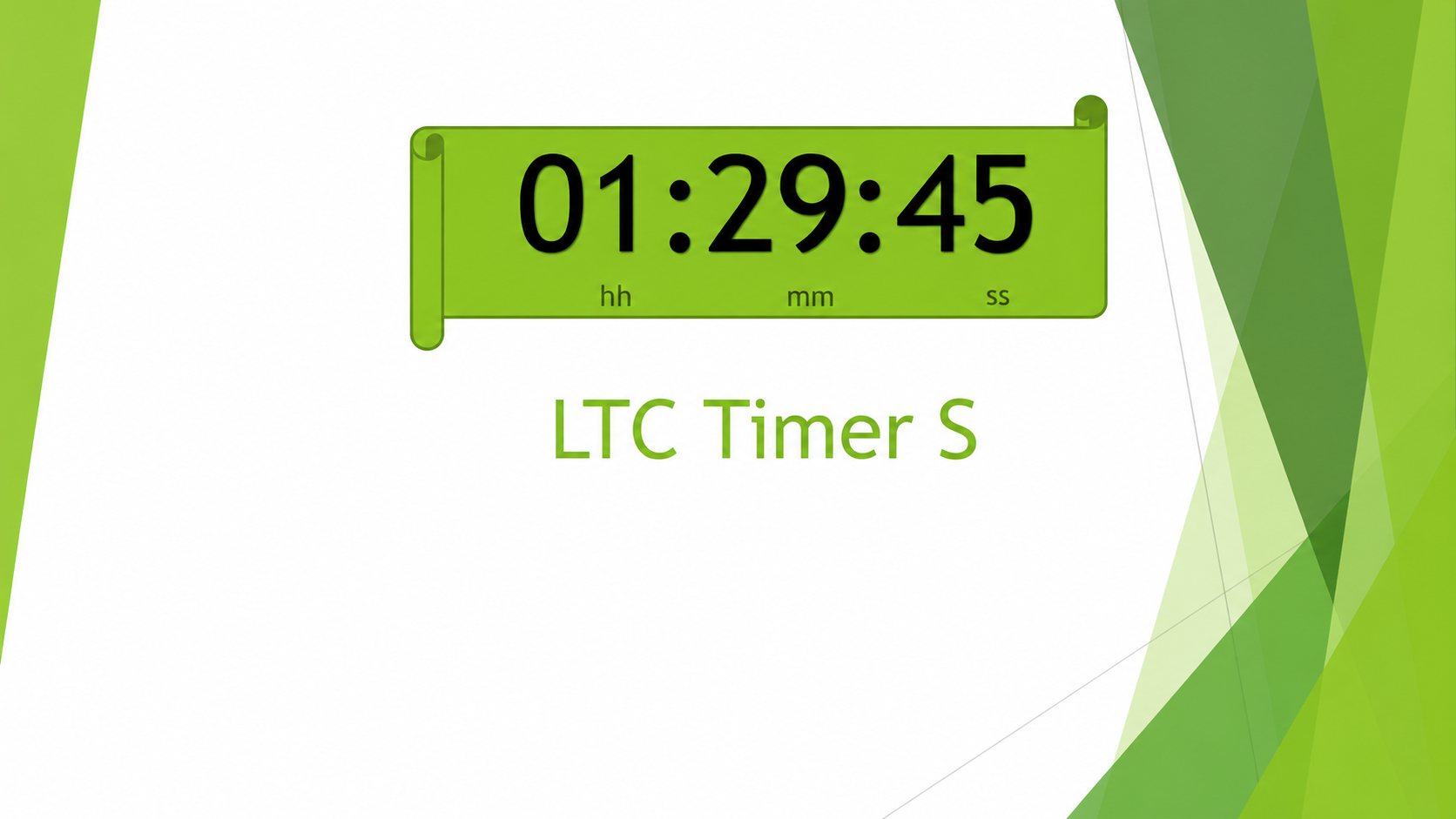
Insert a timer directly onto your slide — resize it, recolour it, place it anywhere.
Insertable Countdown Timer for PowerPoint
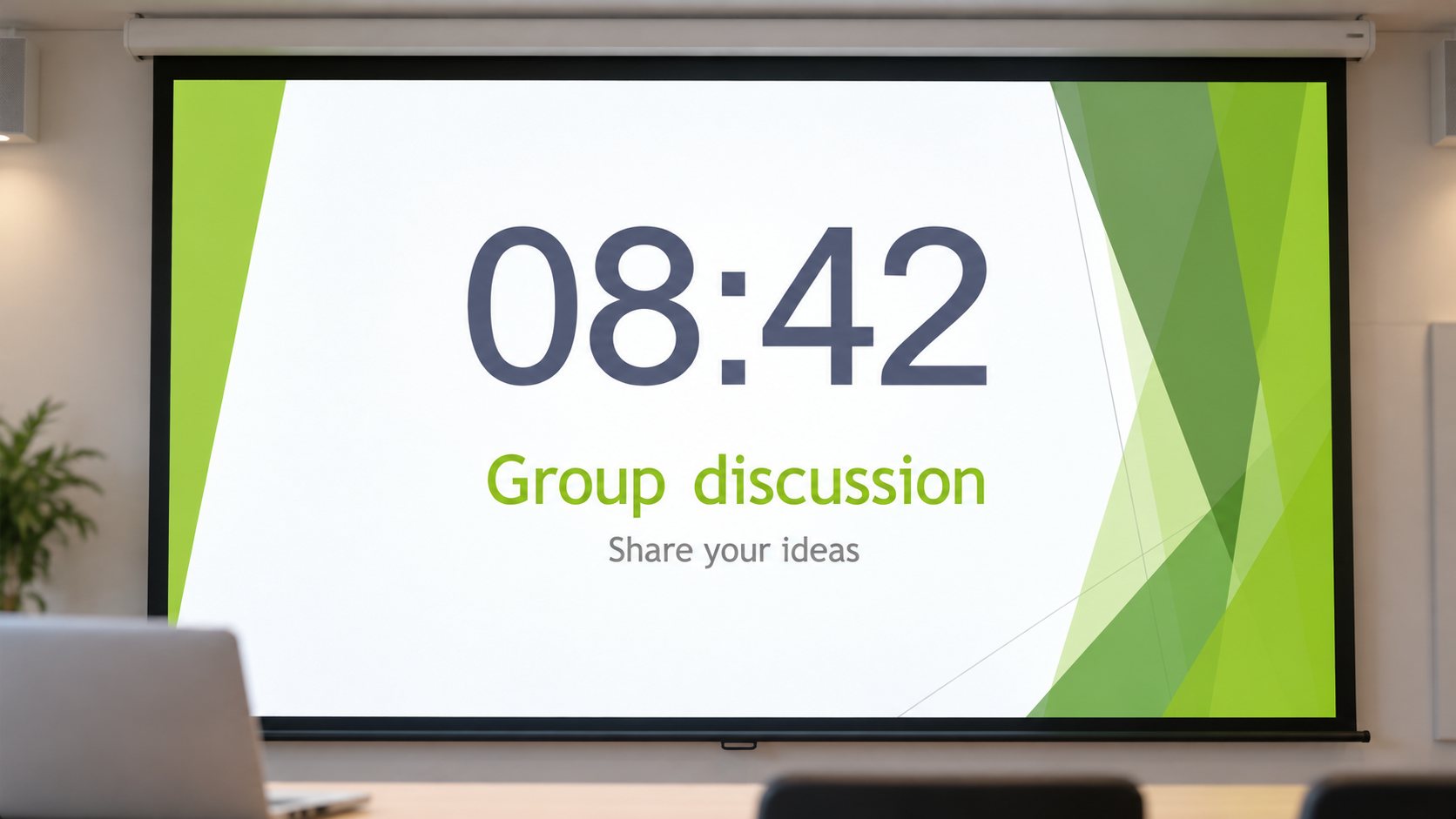
Set your time, drop it on the slide, and present. The timer runs inside PowerPoint — no switching apps, no separate window.
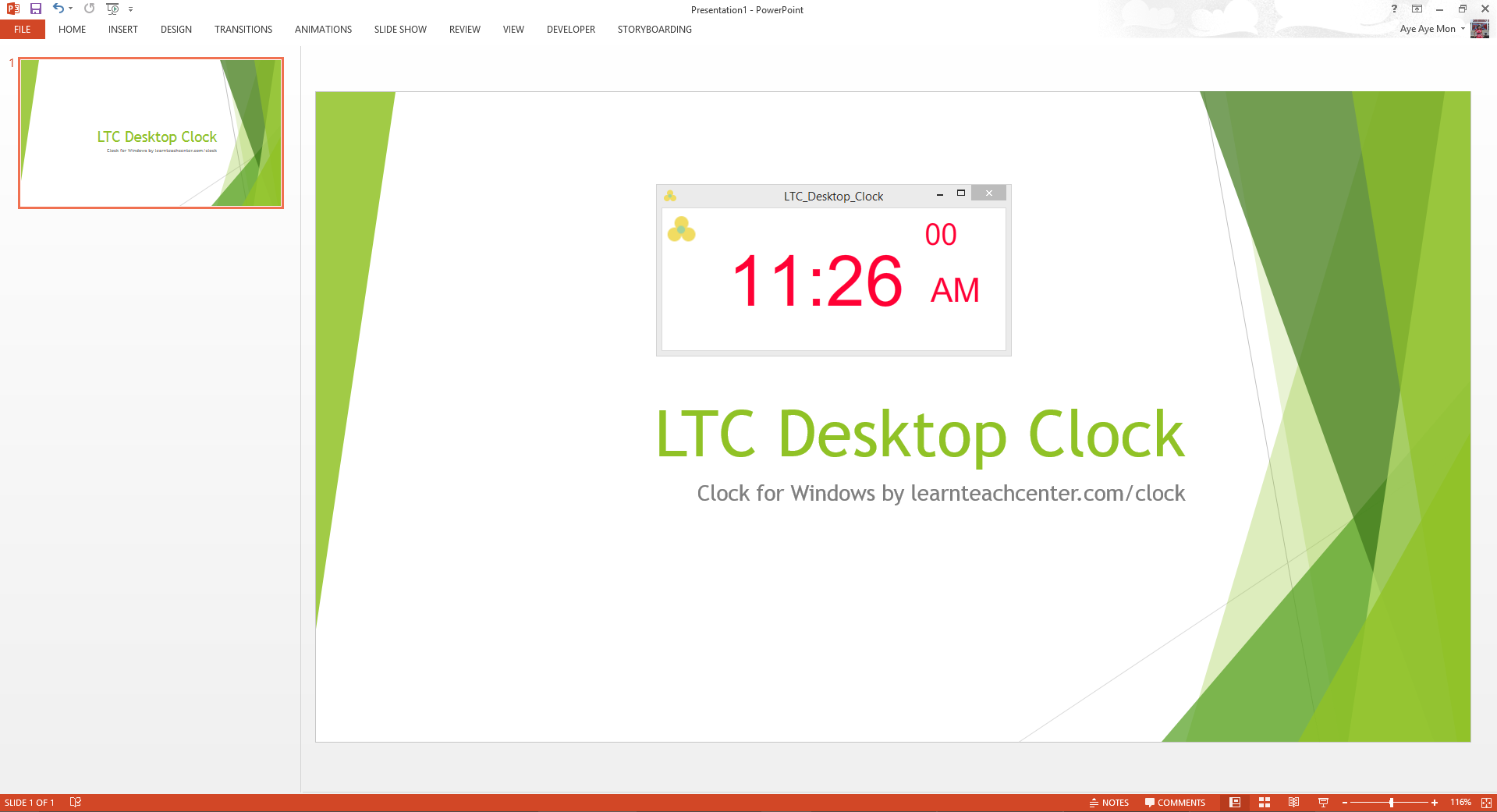
Live Clock for PowerPoint on Windows
Display the current time directly on your slides. Ideal for seminars and all-day training sessions where attendees need to track the time.
Countdown to a Date — Windows
Counting down to a product launch, conference, or event? Set a target date and let this timer count down the days, hours, and minutes.
Count-Up Stopwatch for PowerPoint
Need to count up rather than down? This stopwatch inserts directly onto your slide — start, pause, and reset with a single click.
Floating overlays that sit on top of your presentation — works with any version of PowerPoint for Mac.
Floating Countdown Timer for PowerPoint on Mac
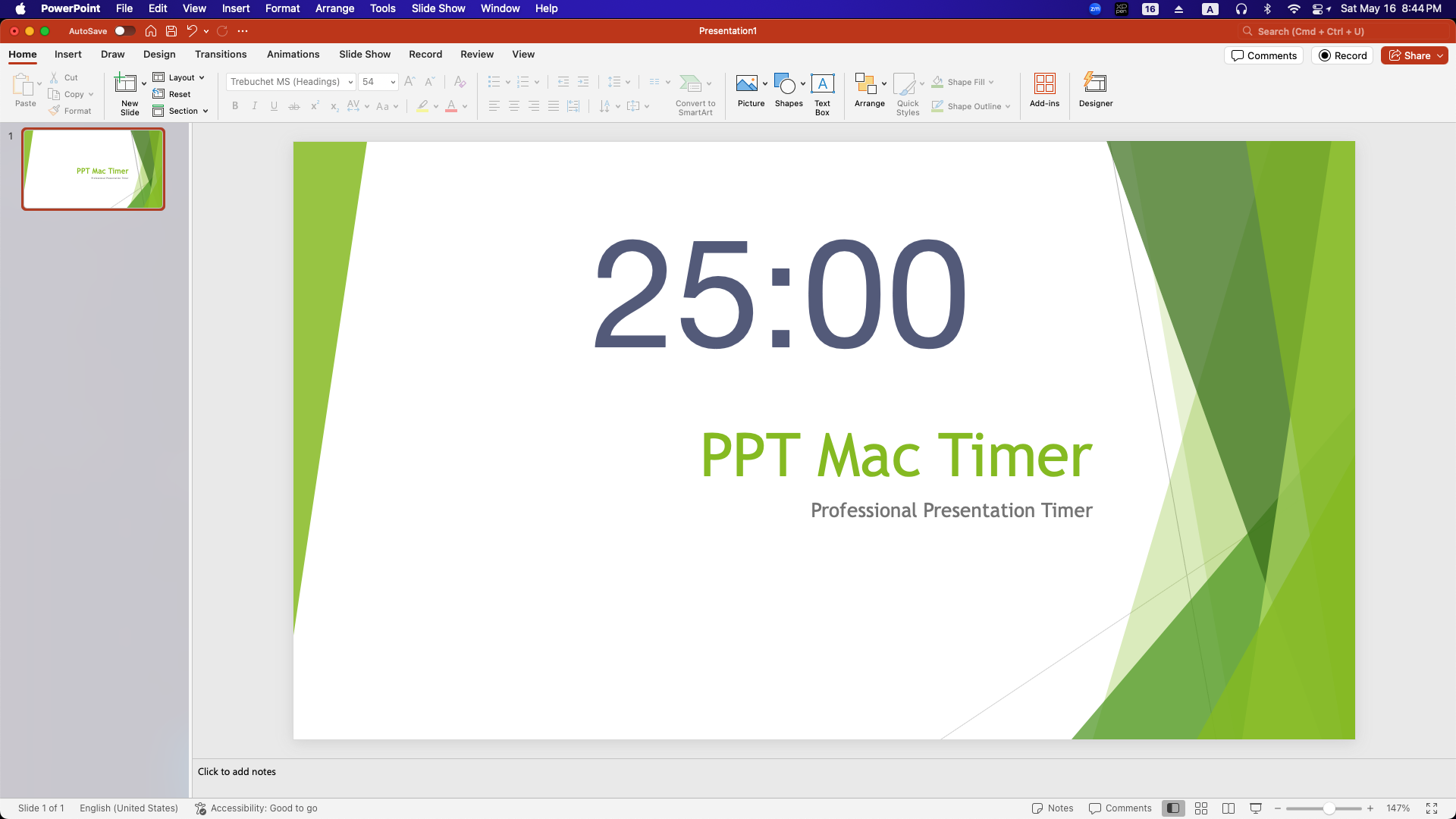
A standalone app that displays a countdown timer as a floating overlay on your PowerPoint slides. Transparent background, fully customisable colour.
Live Clock Overlay for PowerPoint on Mac
Display the current time as a floating overlay on your Mac presentation. Perfect for full-day workshops where the audience needs to track the time.
Countdown to a Date — Mac
Set a target date and display a live countdown overlay over your Mac presentation — ideal for product launches, events, and conference openers.
Purpose-built timers for specific professional needs.
Windows & Mac
Custom-developed for a wrestling coach in Florida and used in Collegiate Wrestling Tournaments. Built to the specific timing rules of the sport.
View Product“Thank you so very much. This is perfect. I have been searching for this for several years. So easy to use.”
“It worked like a charm! I am so excited about this timer. I’m a teacher — it’s such a lifesaver! I’ve been looking for one like it for so long!”
“I love the timer. I’m so glad to find a timer that works on PowerPoint AND that’s easy to use.”
Trusted by presenters at