
Your cart is empty.

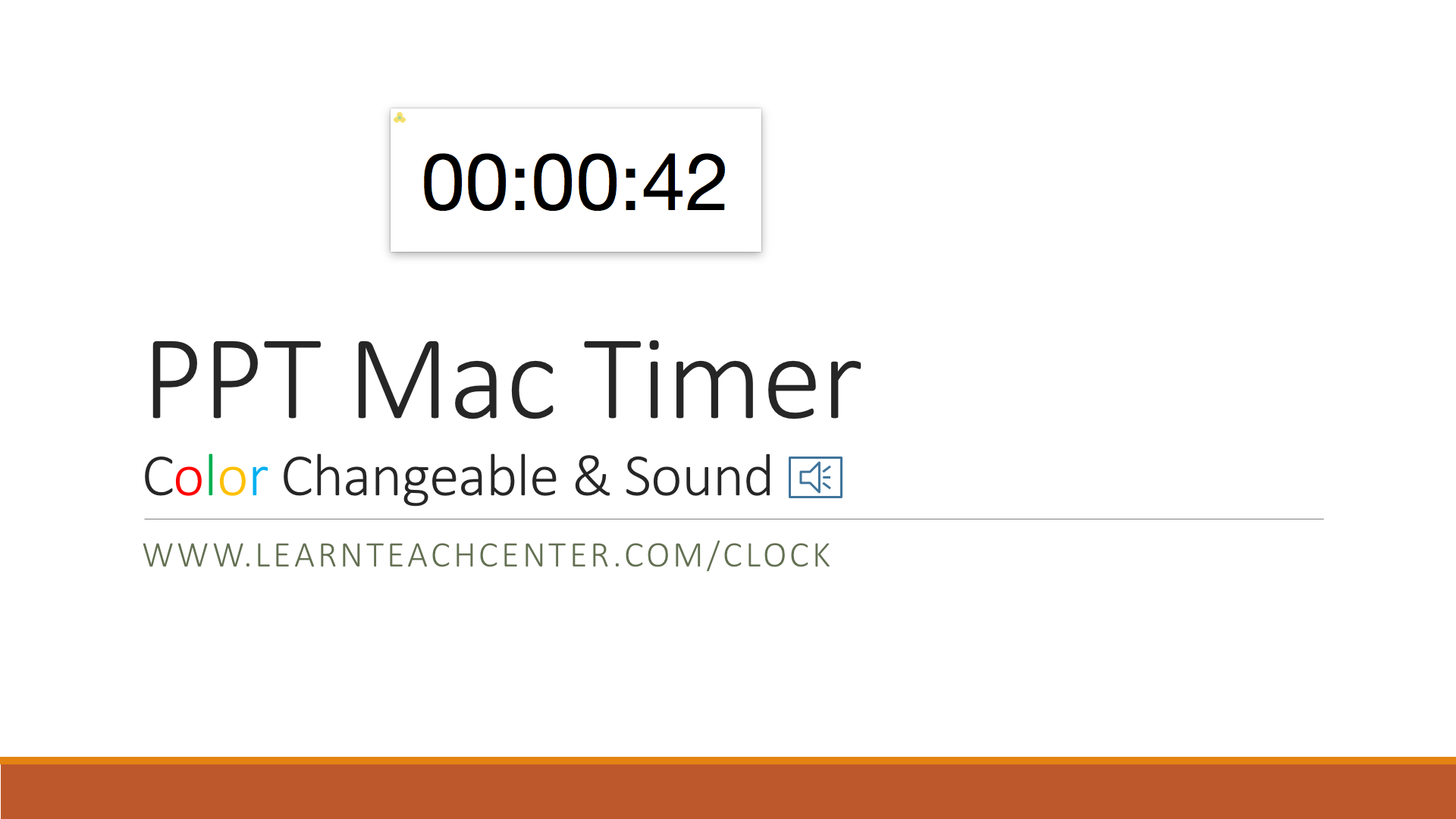
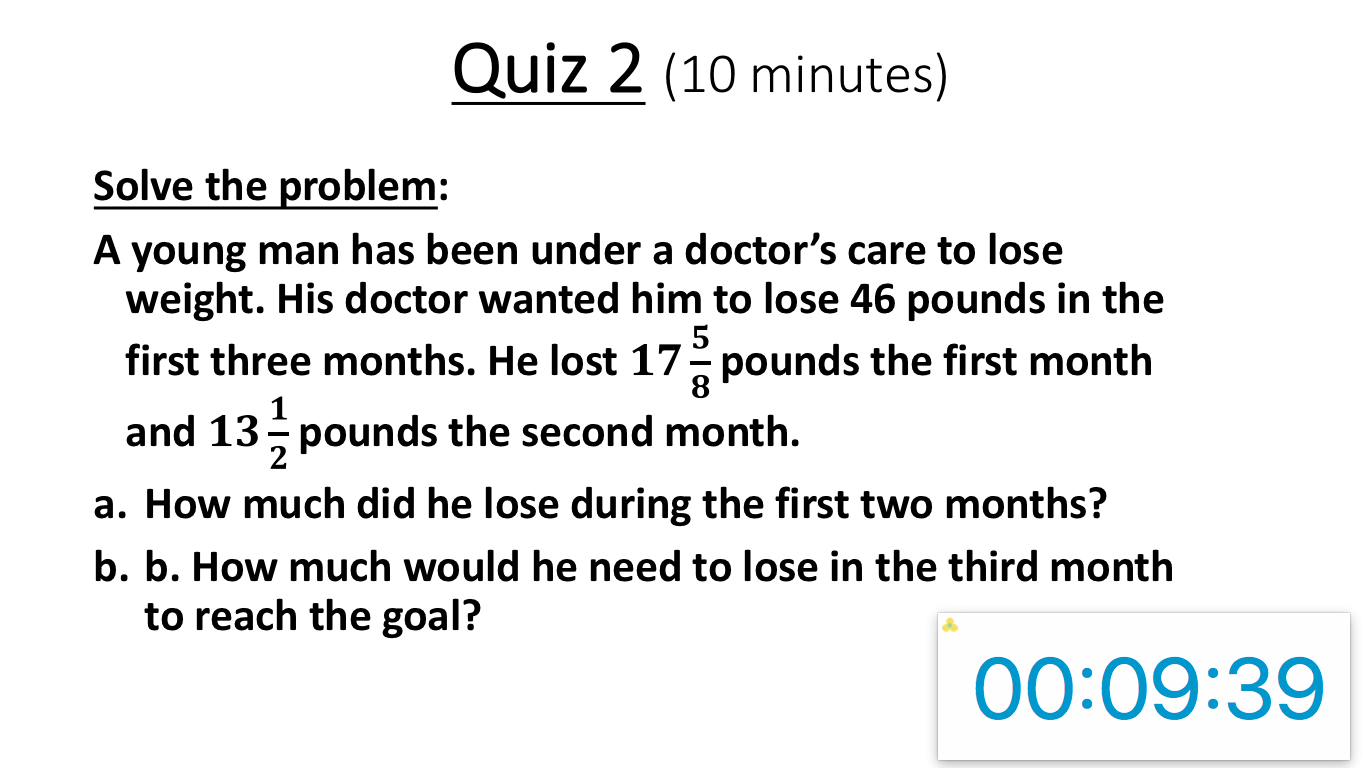
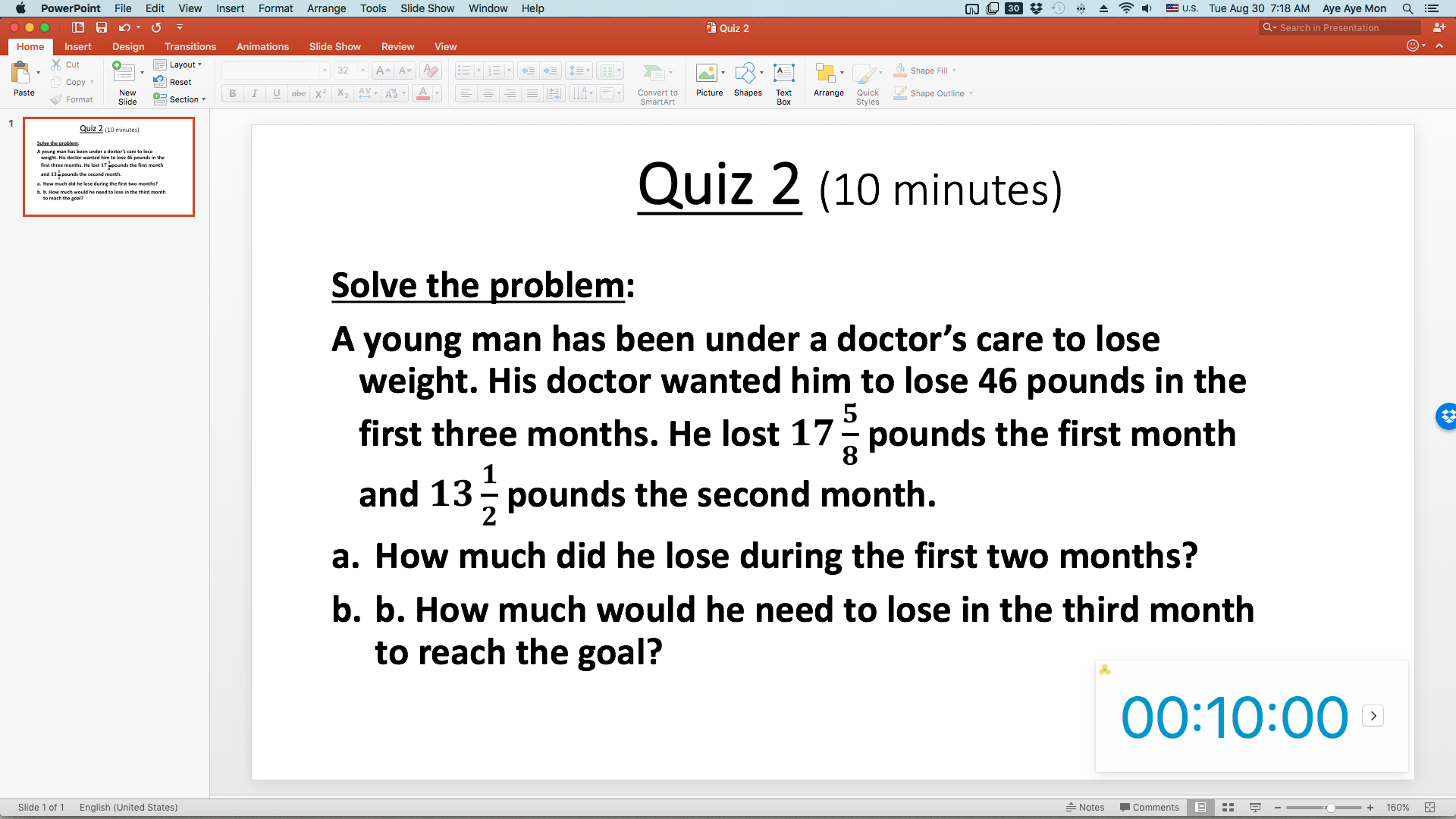
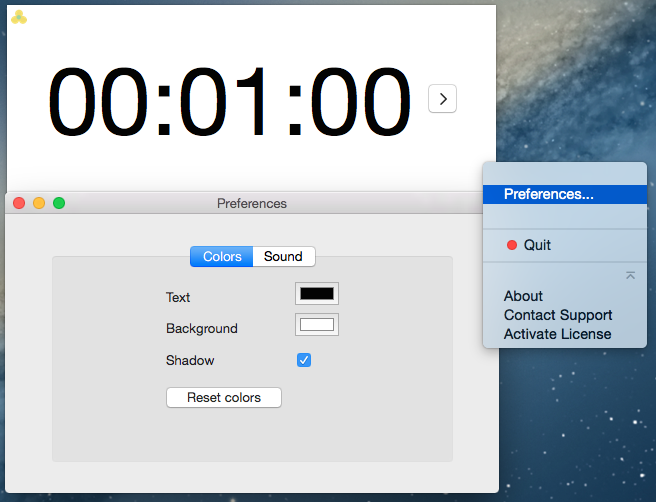

PPT Mac Timer Color Sound
Countdown Timer for PowerPoint on Mac. Color Changeable & Sound. Individual or Multiple Slides.


Simple Contact Form
Get your contact form working in a few minutes! Just copy and paste files, add a little code, and you're done! This is a Simple Contact Form, which works with…


PPT Flash Timer B
Countdown Timer for PowerPoint 2003 or later on Windows. 20 minutes or less. Insert on individual or all slides.


PPT Flash Timer TC
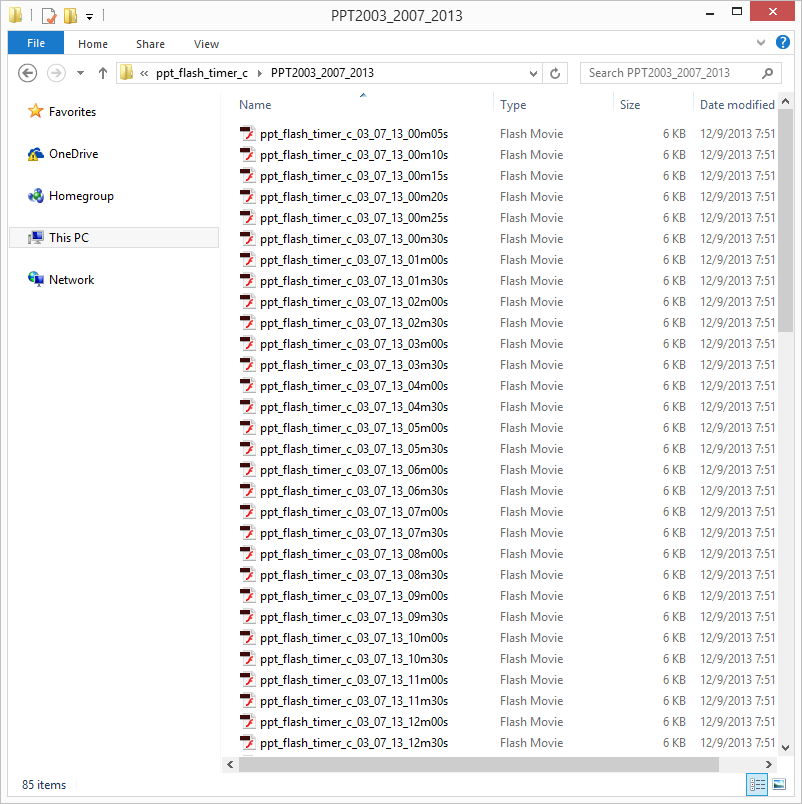
Countdown Timer for PowerPoint 2003 or later on Windows. Insert on individual or all slides. Color Changeable.


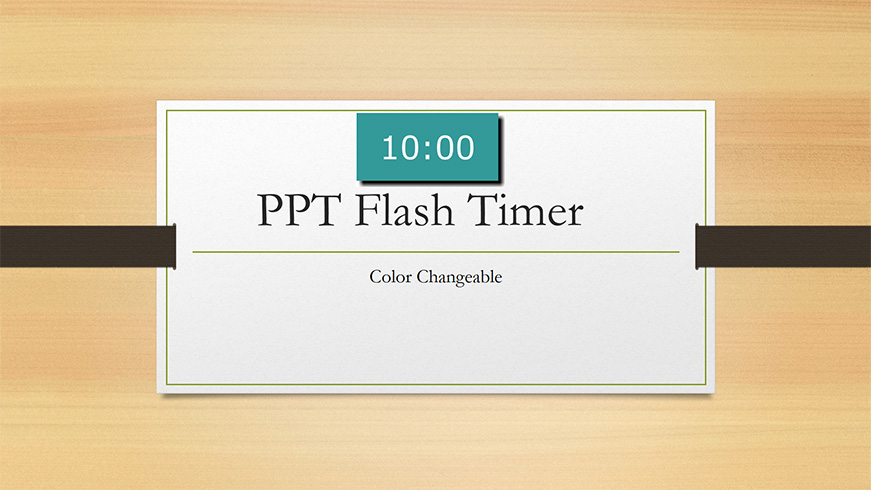
PPT Flash Timer Color Changeable
Countdown Timer for PowerPoint 2003 or later on Windows. Insert on individual or all slides. Color Changeable.

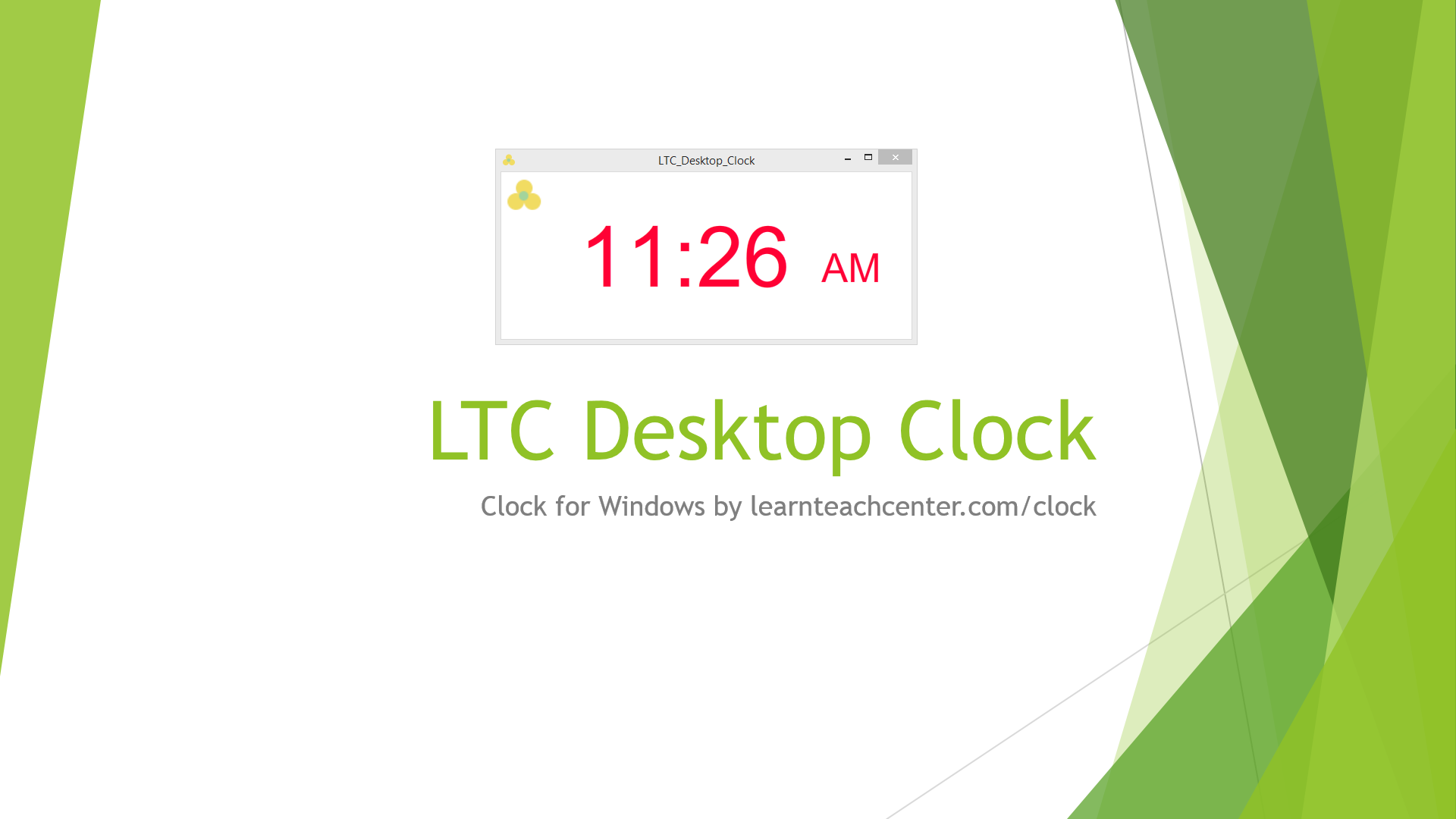
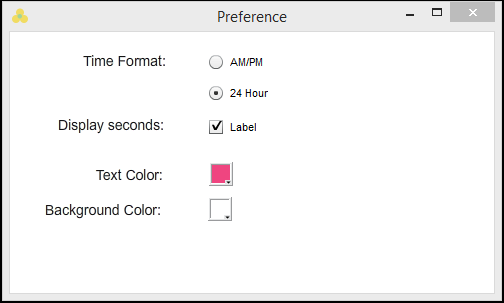
LTC Desktop Clock
Clock for PowerPoint on Windows. For Individual or Multiple Slides. Show/Hide Seconds.