
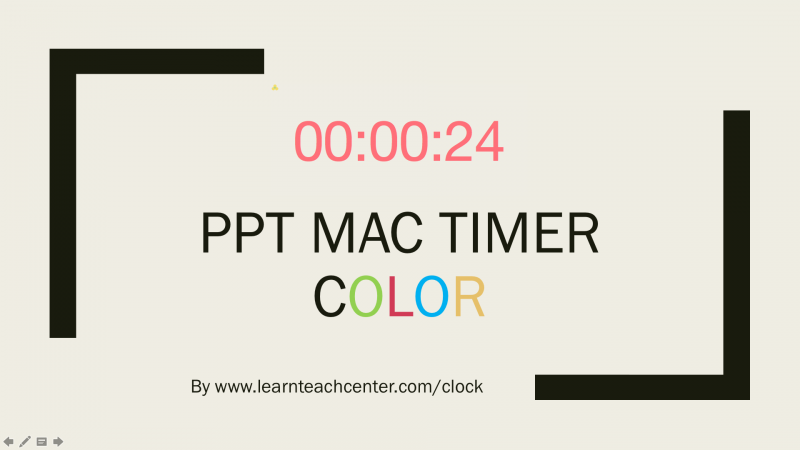
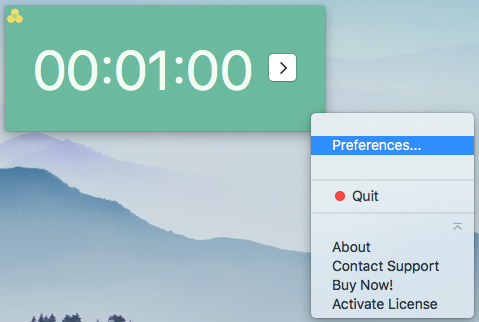

PPT Mac Timer Color
Countdown Timer for PowerPoint on Mac. Resizable. Color Changeable. Individual or Multiple Slides.
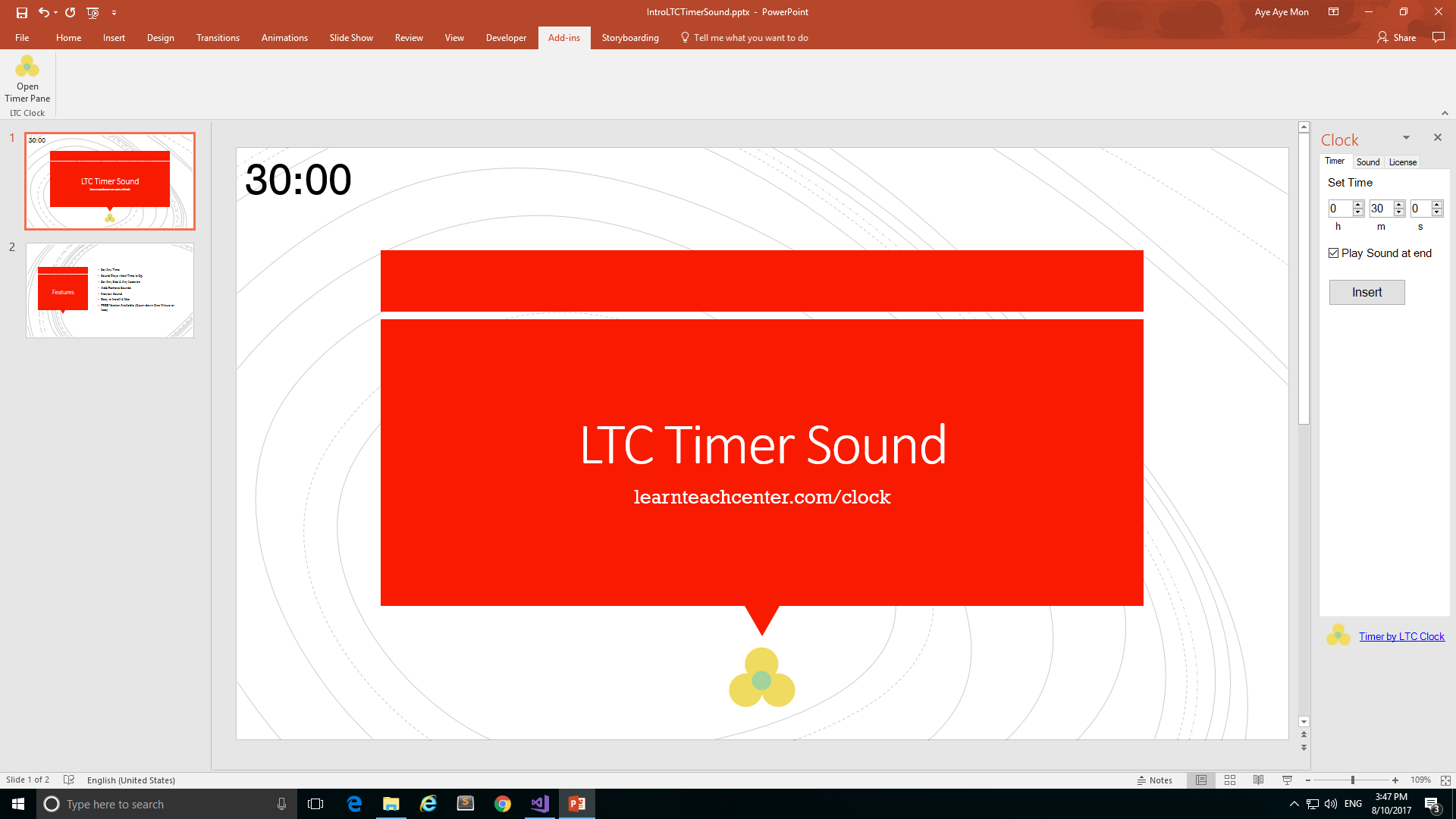
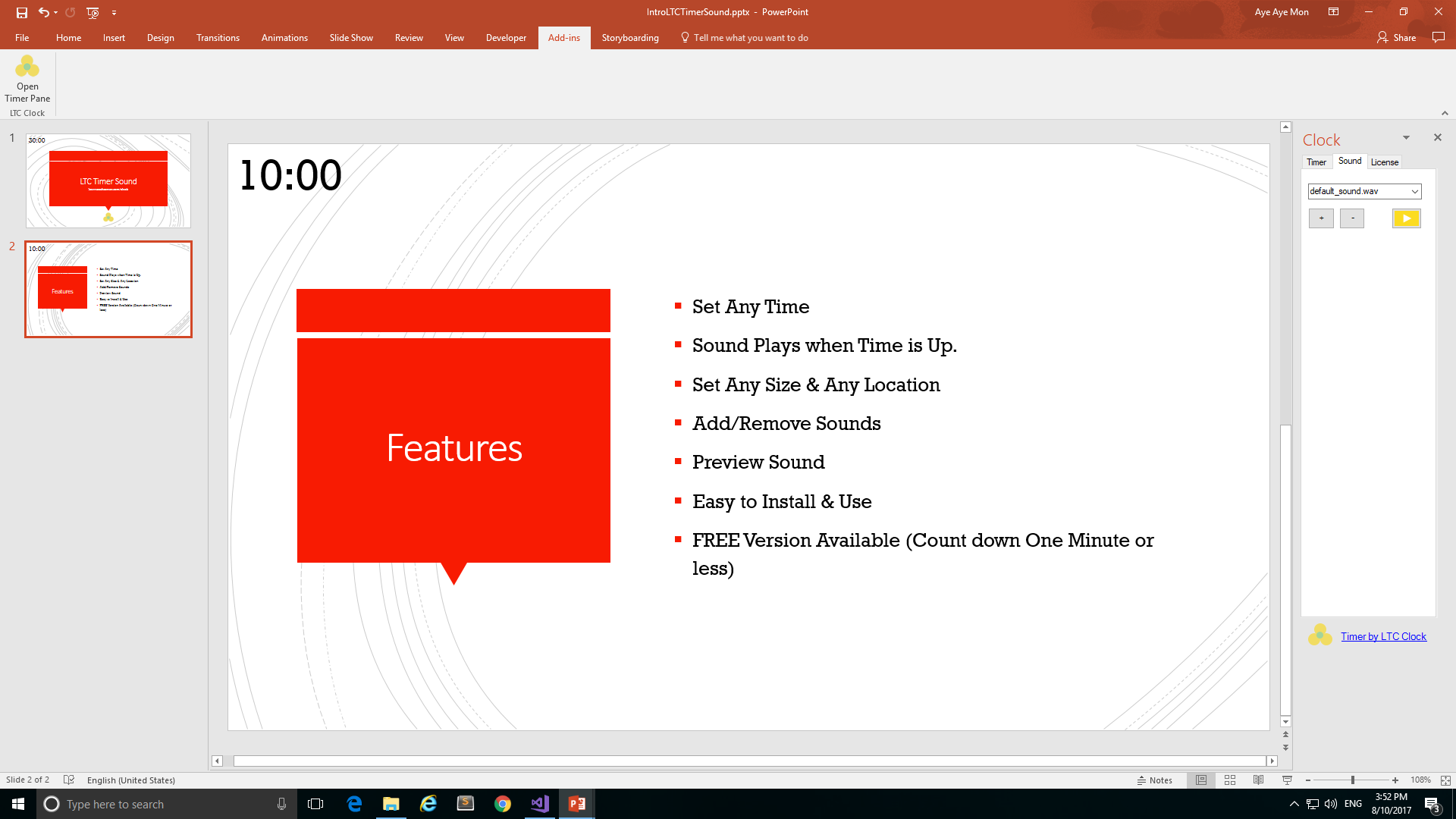


LTC Timer S
Countdown Timer Add-in for PowerPoint 2016 or later on Windows. Insert on Individual Slide. Sound plays when time is up. Set any size, color, font, position.

PPT Flash Timer D
Countdown to a Date Time for PowerPoint 2003 or later on Windows. Insert on individual or all slides. Color Changeable & Sound.

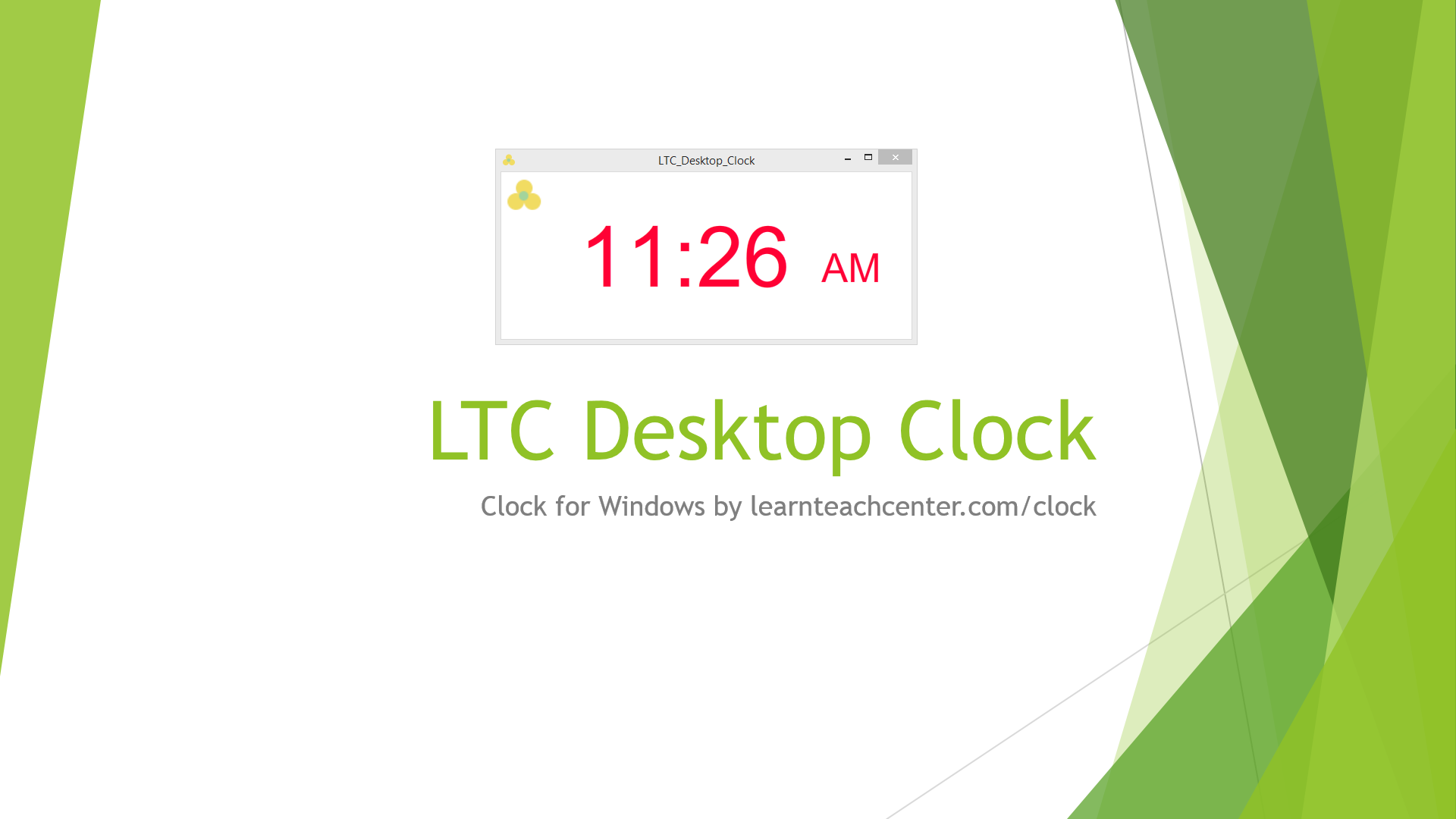
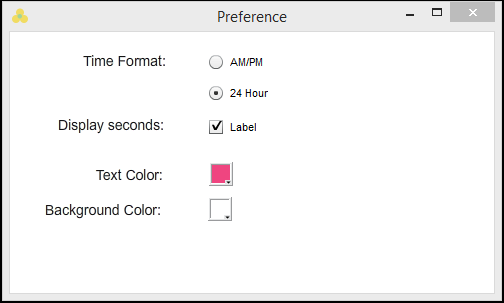
LTC Desktop Clock
Clock for PowerPoint on Windows. For Individual or Multiple Slides. Show/Hide Seconds.
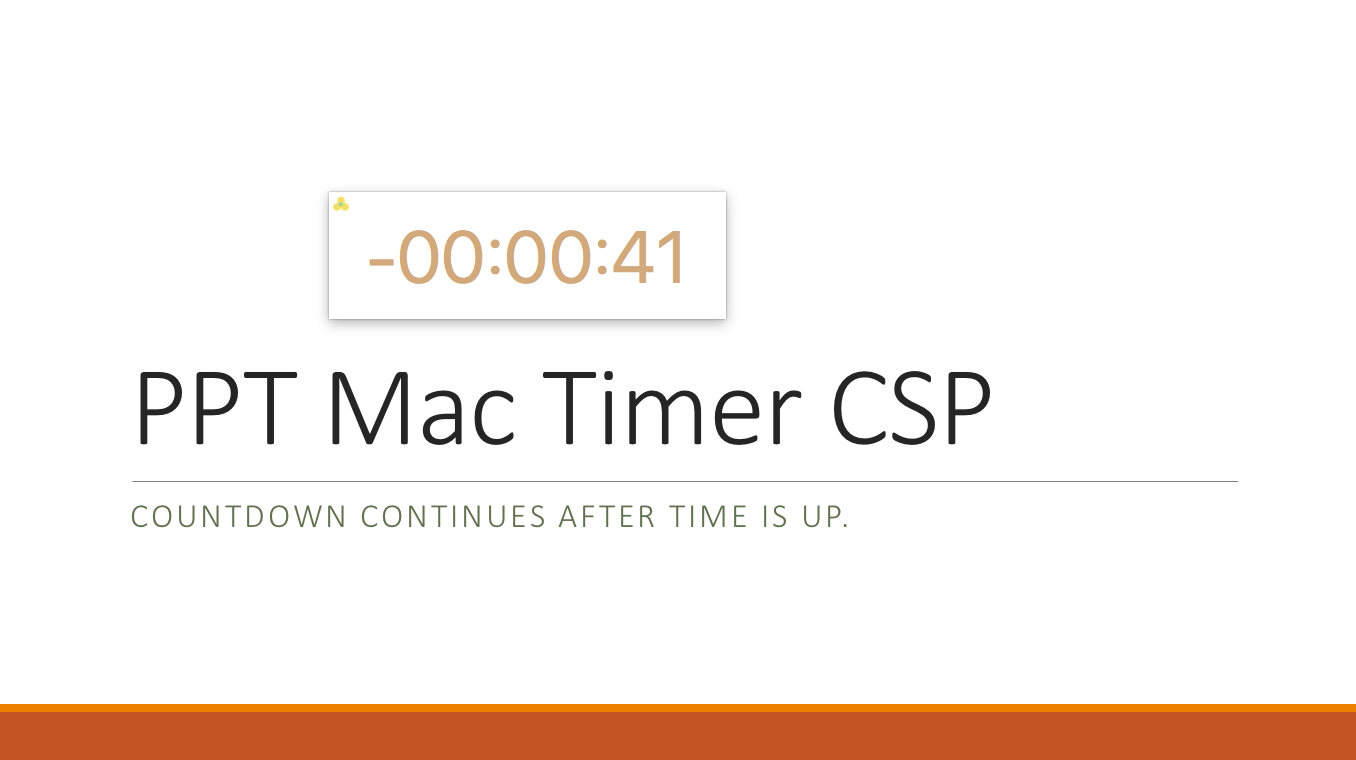
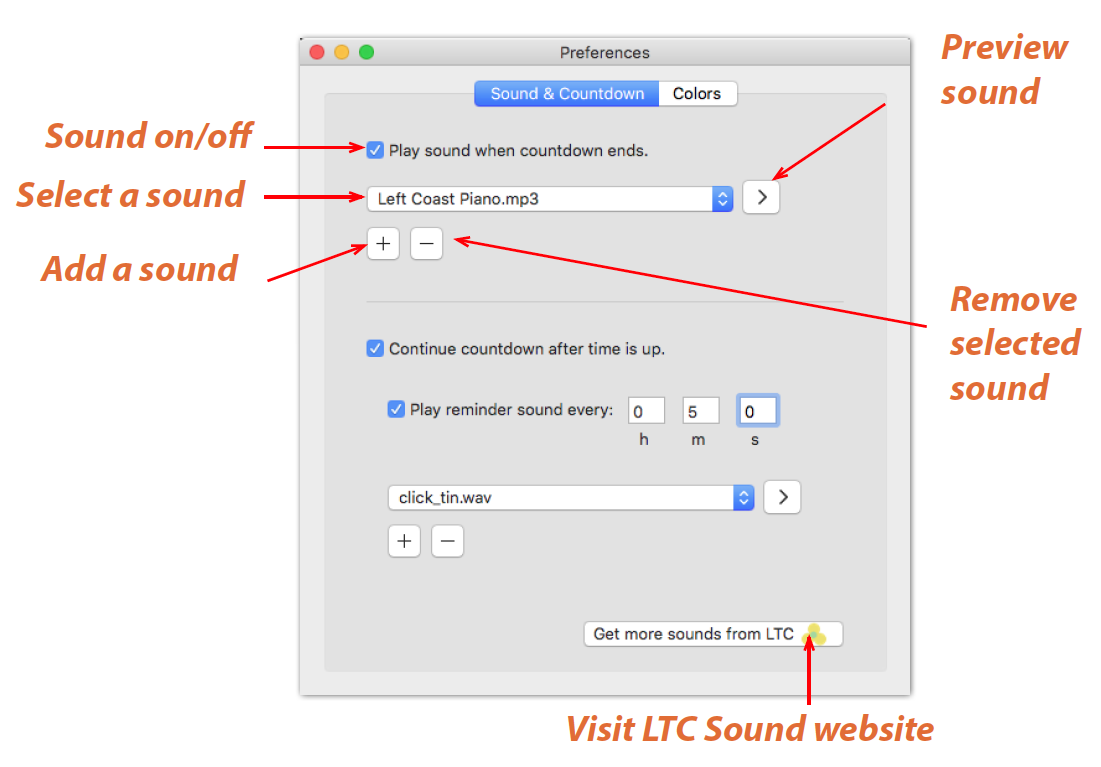

PPT Mac Timer Color Sound P
Countdown Timer for PowerPoint on Mac. Sound plays when time is up. Color changeable. The countdown continues after time is up. Mac OS 10.9 or later.

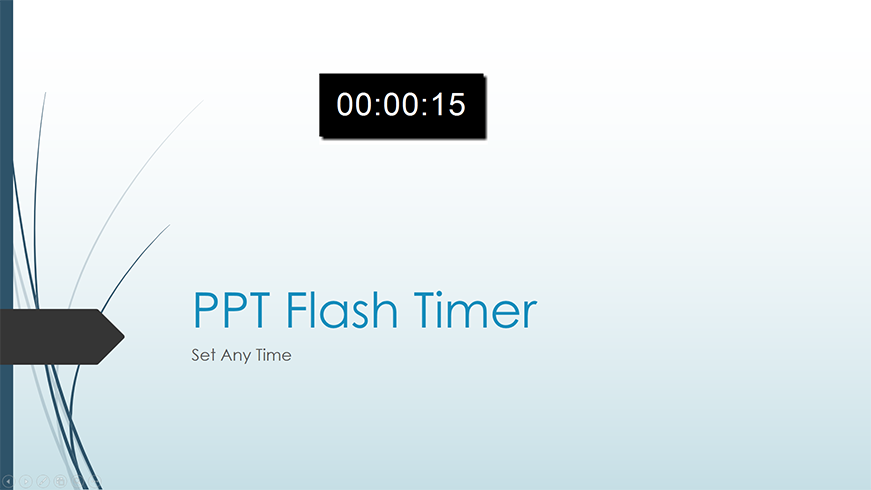
PPT Flash Timer T
Countdown Timer for PowerPoint 2003 or later on Windows. Insert on individual or all slides. Set any time in hh:mm:ss format.

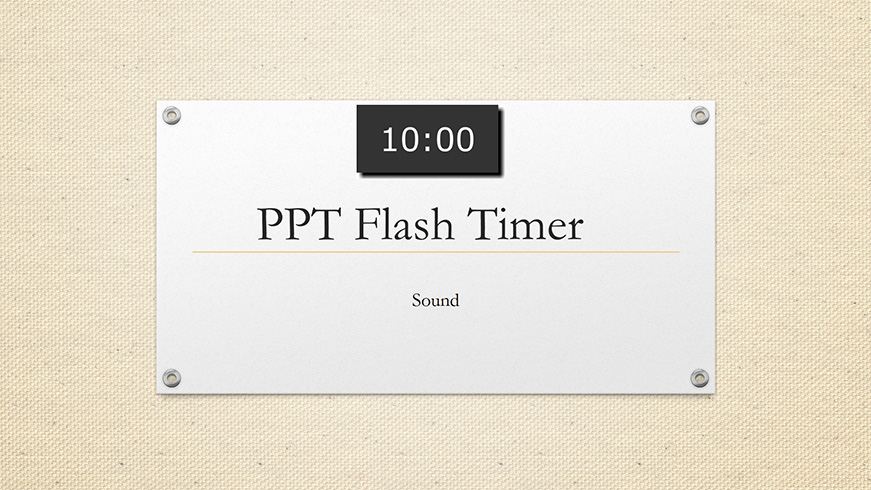

PPT Flash Timer S
Countdown timer for PowerPoint 2003 or later on Windows. Sound plays when time is up. Insert on individual or all slides.