Skip to main content

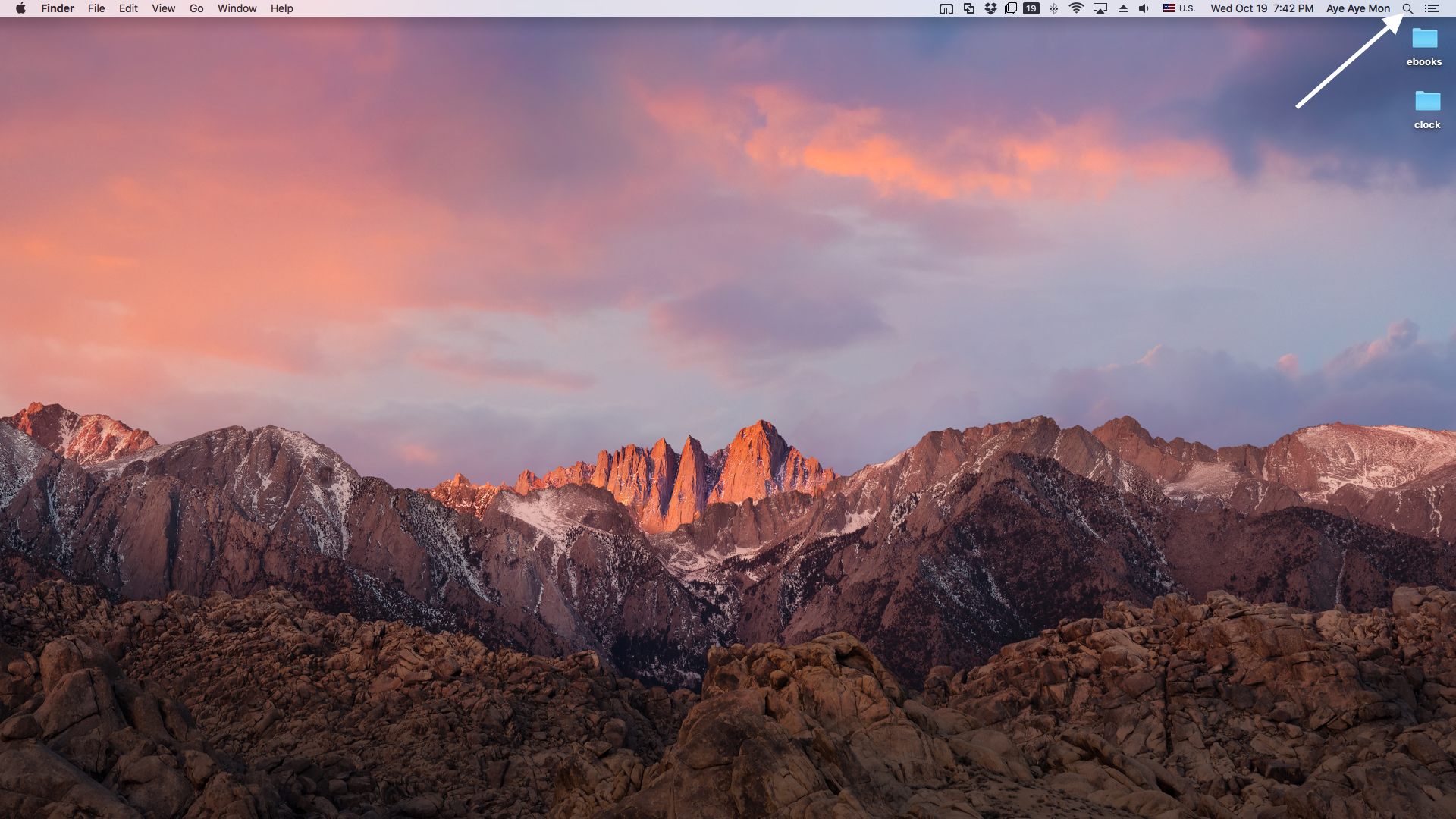
Search

Open Terminal

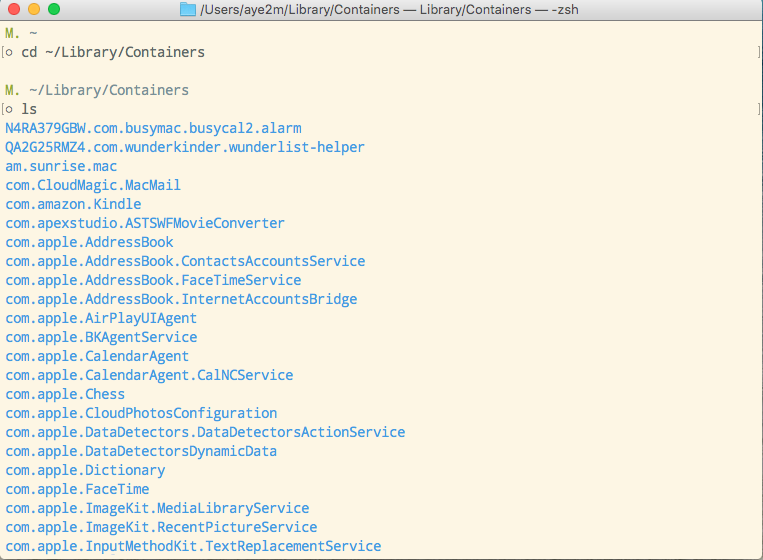
Go to ~/Library/Containers

List files under Containers

Remove the Timer Settings directory
Search Knowledge Base by Keyword
How to Reset the Timer/Clock Settings
The following steps will reset settings of PPT Mac Timer.
- Open Terminal app and type the following commands. Press Enter key after each line.
- Replace the directory name according to your Timer name. The example is for PPT Mac Timer Color Sound P.
- Restart your Mac and use the timer.
- Commands
cd ~/Library/Containers
Ls
rm -R com.learnteachcenter.PPT-Mac-Timer-Color-Sound-P